
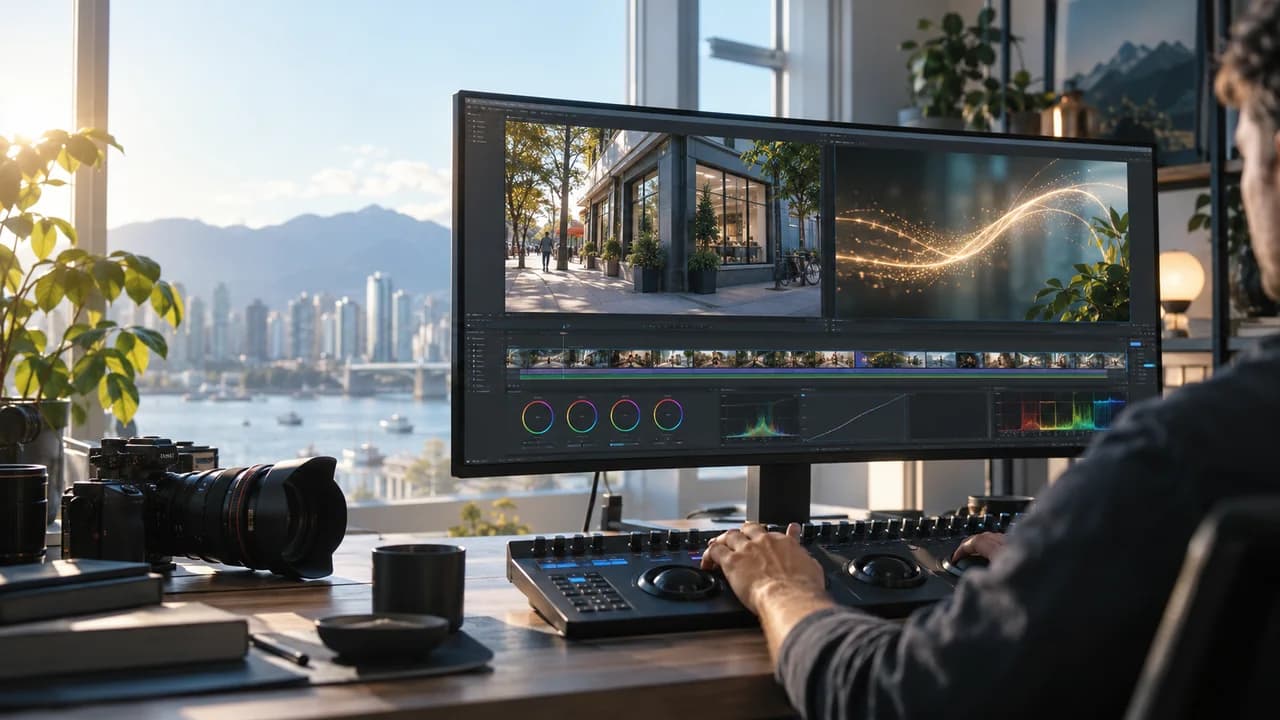
Planning AI VFX for a Vancouver business video? Capture clean real footage first, then test the effect against your product, lighting, budget and brand approvals.
Start with the customer action, not the effect
AI VFX can give a Vancouver commercial video a memorable visual beat, but it cannot repair a vague offer. Before picking a look, decide what the viewer should remember and do: understand a service, recognize a product, visit a location, or request a quote. A restaurant launch, a product demonstration and a property film have different truth requirements. An abstract transition may be harmless; a fabricated product feature, menu item or property view could mislead a buyer.
Choose one short sequence where an effect clarifies the story. For example, a light trail might guide the eye from a real storefront sign to a real entrance, while all business details remain visible in camera footage. Plan a clean version without the effect as well. That gives the edit an honest fallback if the idea does not survive review. If you need a production plan for your campaign, see our Vancouver corporate video service.
What to capture on a real shoot before AI VFX
Record the factual elements at the real location: product shape and label, staff or talent with consent, signage, space, and the action a customer actually experiences. Keep original camera files and a reference frame. An AI treatment should not invent a location, person, testimonial or performance and then present it as documentary evidence.
For a shot that might later receive an effect, lock the camera when practical and shoot a clean plate without the subject. Capture a few seconds before and after the action, note lens and camera movement, and photograph the lighting and reflections. Avoid cutting through fine hair, transparent packaging or busy signage if a simpler composition serves the message. These are production choices, not promises that a particular model will track every surface correctly. A producer can also plan a practical in-camera alternative or conventional motion graphics.
Decide which details must remain untouched: logo, product colour, screen content, prices, faces and safety-related claims. Put them on an approval checklist before testing. If those details cannot be kept accurate, retain the original footage and move the effect to the background or transition.
A bounded proof before the full edit
The October 5 AI news brief highlighted a Higgsfield AI creator demonstration about VFX techniques. Higgsfield also publishes an official real-footage VFX walkthrough. A tutorial can inspire a test; its examples do not verify a repeatable result for your footage, a commercial licence, or a guaranteed turnaround. Treat a tool demonstration as a starting point rather than a production specification.
Select a short, representative shot and define pass criteria before generating variations: the real product remains recognizable, the effect fits the light and camera movement, edges hold up at final delivery size, and no false fact is introduced. Compare the treated shot with the untouched plate in the actual edit, at normal playback speed and on a phone. Ask a reviewer unfamiliar with the production what they believe they saw. A striking still frame is not enough if the transition distracts from the call to action.
Set a time and attempt limit for the test. If cleanup takes more time than a practical effect, a conventional composite or a reshoot, choose the alternative. Save the source, selected proof and rejected examples so the client can approve a specific version rather than a vague style.
Budget, rights and final approval for a Vancouver business video
Quote the shoot, creative direction, proof, compositing, editing, sound, revisions and delivery versions separately where possible. The price of a software subscription does not represent the labour of checking a commercial. Plan both horizontal and vertical exports if the campaign needs them; a detail that fits the website cut may disappear in a social crop. Verify names, signage, product appearance, captions and claims in each version.
Confirm permission to use any client footage, likeness, voice, music or third-party assets in the actual campaign, including paid advertising. Check the current tool terms for permitted inputs and outputs; do not assume that access to an AI feature grants rights to source material. Keep a human approval point for the final file. For more on brand and shot review, read our AI video quality-control guide.
The right outcome is not the most elaborate effect. It is an accurate commercial people remember and trust. To scope a real shoot with an optional AI VFX proof, contact Steven Video Production with your business goal, filming location, product references and intended channels.
Frequently Asked Questions
Can AI VFX replace a Vancouver commercial video shoot?
Not when the viewer needs to see a real product, person or place. Film those factual elements first; test effects as a supporting layer.
What footage should we capture for later VFX?
Capture the complete clean action, a clear plate when possible, extra handles and references for lighting, camera movement and details that must remain accurate.
How do we approve an AI-enhanced commercial?
Review the effect in the full edit and each final crop, compare it with the original footage, check business facts and asset rights, and approve a named final version.
Ready to start your project?
Get in touch for a free consultation. I typically respond within a few hours.