
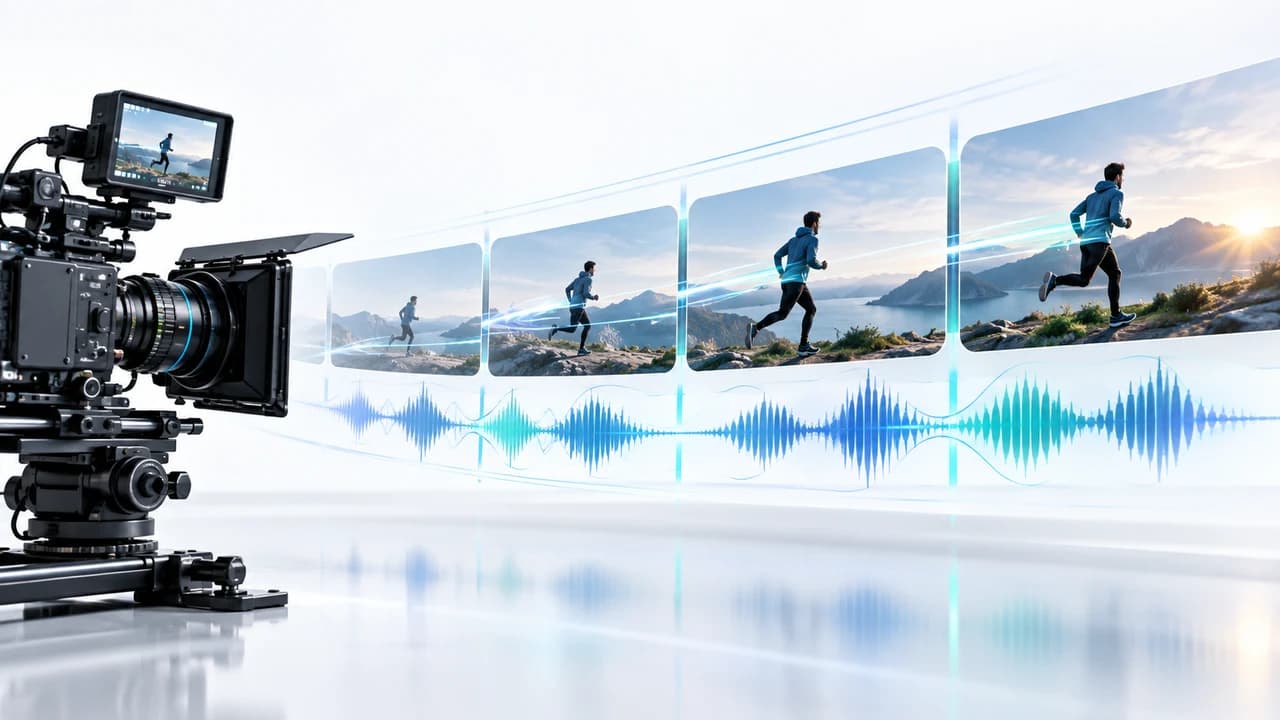
MiniMax H3 long video workflow connects short blocks while protecting motion, audio, identity, and edit continuity.
What a MiniMax H3 long video workflow actually solves
MiniMax H3 long video workflow is not a single prompt that magically creates an unlimited film. It is a method for building a longer sequence from short generation blocks while carrying forward enough visual and audio context to make the join believable. The September 16 AI news brief highlighted MiniMax's GitHub integration index, including a ComfyUI Motion-Context approach for multi-shot and longer video. The linked index says H3 generates in blocks of up to 15 seconds and that Motion-Context passes the previous block's final frame and audio into the next block to help preserve motion direction and speed. The same index describes a separate long-video implementation outside ComfyUI, so creators should compare workflows rather than assume there is one official production recipe.
That distinction matters because duration and continuity are different problems. A tool can make another block, but the audience notices when a person changes proportions, a product rotates the wrong way, the camera loses momentum, room tone jumps, or the next shot repeats an action. A usable workflow therefore needs a continuity brief, bounded generation blocks, deliberate overlap, and an editor who can reject or rebuild a weak transition.
For commercial work, begin by deciding whether the sequence truly needs generation. AI can be useful for a stylized journey, visual metaphor, impossible environment, or previsualization. Interviews, real products, property layouts, events, and factual demonstrations still need trustworthy capture. A professional AI video production service in Vancouver should choose generation shot by shot, not replace an entire evidence-based production because a model can extend time.
Plan the sequence as blocks before opening ComfyUI
Write a block map before touching nodes. Give each block one clear job: establish the scene, introduce motion, reveal the subject, change direction, or create an exit that can join the next clip. Record the intended duration, framing, subject position, camera direction, action phase, sound cue, and required ending state. The ending state is especially important because it becomes the handoff. If the first block ends during a left-to-right walk, the next block should not restart the person from a neutral pose or reverse the travel without a motivated cut.
Create a compact continuity sheet for every element viewers can track. For a person, note clothing, hair, accessories, body orientation, eyeline, and which foot or hand is leading. For a product, note geometry, label placement, colour, surface condition, and the direction of rotation. For a location, note light direction, weather, background objects, horizon, and camera height. For sound, note ambience, rhythm, dialogue status, and whether a transient effect must cross the boundary. This sheet becomes the review standard when attractive outputs disagree with one another.
Keep the first test short. Two or three connected blocks reveal more about the workflow than attempting a full minute immediately. Choose one aspect ratio and one delivery channel, because horizontal and vertical compositions need different subject placement and camera paths. If the campaign also includes real staff, products, or locations, plan those anchors through corporate video production in Vancouver. Generated blocks are easier to approve when they connect to footage whose identity, action, and claims are already verified.
Build the motion-context handoff deliberately
The handoff should carry the minimum context needed to continue the shot without trapping the next block inside every defect of the previous one. According to the September 16 source, the highlighted Motion-Context workflow forwards the final frame and audio from one block. Treat that frame as a key production asset. Inspect it for warped hands, doubled objects, changed text, soft facial identity, impossible reflections, or motion blur that hides a structural error. A bad boundary frame can seed the next block with a problem that becomes harder to remove.
Write the continuation prompt around state and trajectory. Describe what is already happening at the boundary, what should continue, and what new event should occur. Keep camera language consistent: if the shot is pushing forward with a slight clockwise orbit, do not casually ask the next block for a static wide shot. If a change is intentional, design a visible transition such as an occlusion, whip pan, foreground wipe, lighting flare, or cutaway. These give the editor a defensible place to hide a reset.
Audio needs the same discipline. Passing audio forward may support continuity, but it does not guarantee a clean mix. Listen for duplicated beats, clipped transients, ambience changes, repeated syllables, or a generated sound that no longer matches the picture. Keep dialogue and critical brand audio on separately controlled tracks whenever possible. Use the carried audio as context or guide material, then rebuild the final soundtrack with licensed music, controlled dialogue, room tone, and sound design. The goal is not merely to avoid silence at the seam; it is to make the audience experience one intentional sequence.
Test continuity with measurable checks, not impressions
Review each join in three passes. First, watch at normal speed without stopping. Ask whether the movement feels continuous and whether your attention is pulled toward the seam. Second, scrub frame by frame across the boundary. Compare subject scale, position, limb placement, product details, background geometry, light, grain, and motion blur. Third, listen without watching. Check ambience, rhythm, loudness, stereo position, and whether any sound event repeats. Separating these passes prevents music or a beautiful frame from disguising a continuity failure.
Use a simple scorecard. Mark identity, object accuracy, camera trajectory, action trajectory, lighting, environment, audio, and editability as pass, repairable, or reject. Define repairable before the test: a small exposure shift may be fixable, while a changing logo, false product action, altered face, or impossible property layout may require regeneration or real footage. Keep the original block, prompt, settings, context inputs, output, and review notes together so each new attempt has a traceable reason.
Change one variable at a time. If speed drifts, adjust motion language or the selected boundary without also changing wardrobe, lens character, and lighting. If identity fails, strengthen or replace the reference strategy instead of adding more cinematic adjectives. After a fixed number of attempts, stop. Use a cut, simplify the action, select a different block, or move the shot to live action or conventional VFX. A disciplined stop rule protects budget and keeps a technical experiment from consuming the whole edit.
Choose commercial uses where continuity can be reviewed honestly
Long-form generation is strongest when the sequence communicates imagination rather than proof. A brand can move through an abstract environment, connect product-inspired textures, visualize an idea that cannot be filmed literally, or create a stylized transition between real scenes. Previsualization is another low-risk use: a director can test the pace and movement of a multi-shot idea before committing to talent, locations, art direction, and camera equipment. In these cases, the generated result can inform the shoot even if none of it appears in the final campaign.
Use greater caution when viewers rely on the picture as evidence. A client testimonial must represent what the person actually said. A property video must not invent rooms, views, or dimensions. A product demonstration must not show a feature behaving differently from the item customers receive. An event recap must be based on what happened. Extending these scenes generatively can turn a continuity technique into a factual or reputational problem, even if the transition looks smooth.
A hybrid structure is usually more robust: capture the factual spine, then add bounded generated blocks where imagination is obvious and approved. Real footage can establish the person, place, or product; AI can create an opening metaphor, a visual bridge, or an environmental extension; editing and sound can make the pieces feel intentional. This division also produces a clearer quote because the team can price the shoot, generation tests, cleanup, compositing, sound, and revisions separately. Viewers do not reward a workflow for being technically novel. They reward a video that is coherent, credible, and useful.
Budget, approve, and archive a repeatable long-video test
Budget the workflow by stages rather than promising unlimited duration. Include sequence design, reference preparation, ComfyUI setup, a fixed number of generated blocks and retries, continuity review, selected-shot cleanup, compositing, editing, colour, audio rebuild, rights review, and exports. Local or community tools do not make these steps free. Compute, storage, operator time, failed generations, licences, and deadline risk remain part of the cost. Verify the current repositories, dependencies, model access, hardware needs, and licences before committing a client delivery to any integration listed in the September 16 source.
Set approval gates. Approve the block map and continuity sheet first. Approve a short two-block proof before expanding the sequence. Approve selected blocks before expensive cleanup, then review the finished sequence inside the real edit with its captions and soundtrack. Name one final decision-maker and define what feedback is in scope. A note such as the camera slows at the boundary is actionable; make it more epic is not.
Archive source references, rights records, workflow and node versions, model and settings when available, prompts, boundary frames, audio context, outputs, scorecards, edit files, licences, and written approvals. This package allows the team to reproduce a successful look or explain why a shot was rejected. Most importantly, keep a fallback in the schedule. If the chain cannot pass identity, factual, rights, or continuity review, use a motivated edit, a shorter generated moment, real footage, or conventional VFX. To scope a controlled test around an actual campaign, contact Steven Video Production with the audience, channel, deadline, references, and the one detail that cannot change.
Frequently Asked Questions
How does a MiniMax H3 long video workflow work?
It builds a longer sequence from shorter generation blocks and passes selected context between them. The Motion-Context approach highlighted on September 16 forwards the previous block's final frame and audio to help preserve motion direction and speed.
Can MiniMax H3 generate an unlimited continuous video?
Do not treat it as unlimited one-pass generation. The highlighted workflow chains bounded blocks, and every join still needs identity, motion, audio, rights, and edit review.
What should I check at an AI video transition?
Check subject scale and identity, limb and object position, camera trajectory, motion speed, lighting, background geometry, ambience, rhythm, stereo position, and whether the boundary can be edited cleanly.
Is ComfyUI Motion-Context suitable for client advertising?
It can support bounded concept shots and previsualization after testing. Use real capture for people, products, properties, events, demonstrations, or claims that audiences interpret as evidence.
How much does a long AI video workflow cost?
Cost depends on sequence design, setup, compute, block count, retries, cleanup, compositing, editing, sound, rights review, and revisions. A fixed two- or three-block proof is safer to quote than unlimited generation.
Ready to start your project?
Get in touch for a free consultation. I typically respond within a few hours.