
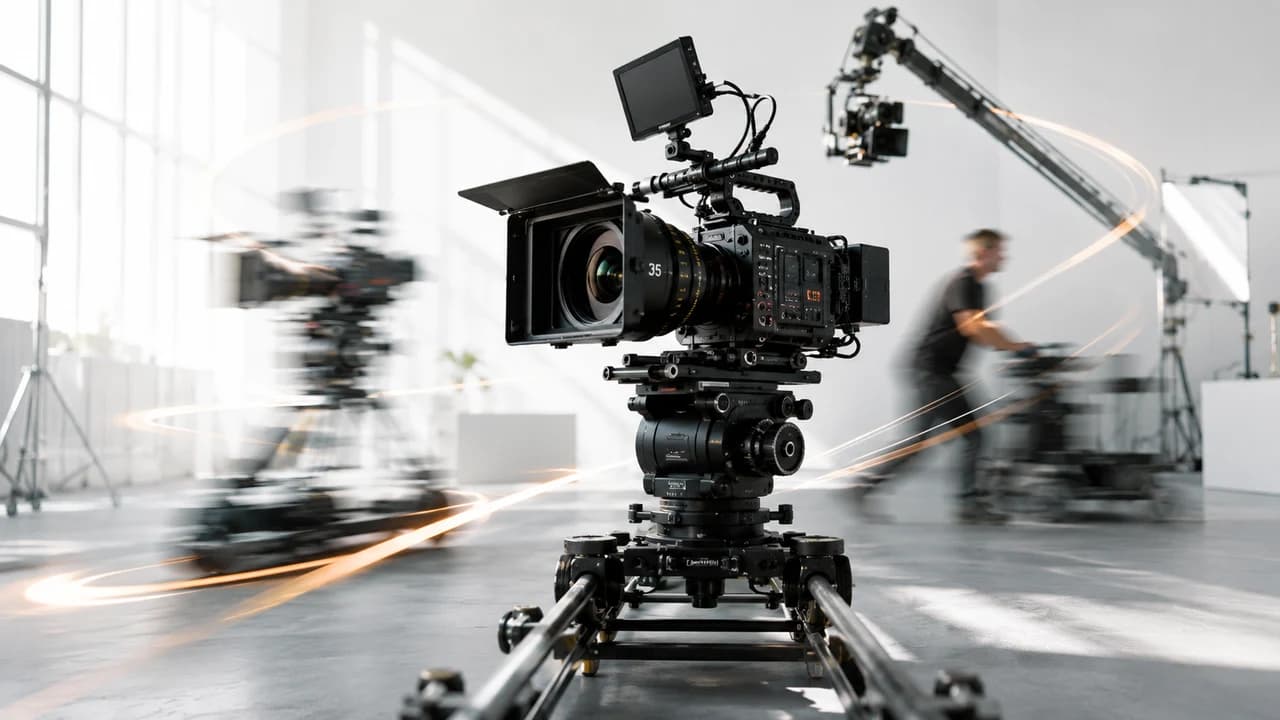
Kling 3.0 cinematic camera movements unlock professional-grade motion in AI video — from smooth dolly pushes to whip-pans and crane reveals. This guide breaks down all 17 motion verbs, how to write prompts that actually execute them, and which movements work best for real estate, corporate, and event video content.
Why Camera Movement Is the Hardest Thing to Get Right in AI Video
Kling 3.0 cinematic camera movements are now arguably the most powerful differentiator in AI video generation — and the most misunderstood. Most creators write a great scene description and then add "with a dolly shot" and wonder why the result looks like a static pan. The truth is that Kling 3.0 has a specific vocabulary for motion, and prompts that use the right terms execute reliably. Prompts that use vague language produce inconsistent results.
For Vancouver corporate video and real estate video production workflows, AI-generated B-roll is only useful when it looks intentional — the kind of purposeful camera movement that signals professional production value. This guide covers all 17 motion types available in Kling 3.0, the exact prompt structures that trigger them, and which movements are most useful for commercial video work.
The 5-Part Kling 3.0 Prompt Structure for Camera Motion
Before diving into individual motion types, it helps to understand how Kling 3.0 interprets prompts. The most reliable structure for cinematic movement is:
[Camera motion verb] + [Subject/scene] + [Lighting condition] + [Atmosphere/mood] + [Time/audio context]
Example: *"Slow dolly push toward a glass office tower, golden hour backlight, professional and aspirational mood, quiet urban morning."*
This structure matters because Kling 3.0 prioritizes the camera motion term when it appears early in the prompt. Burying "dolly" in the middle of a dense scene description significantly reduces execution reliability. The motion verb should appear within the first 8–10 words.
For real estate video in Richmond and Vancouver, this structure maps well to the kinds of establishing shots and reveal sequences that define professional property marketing: approach shots, interior glide-throughs, and aerial-style crane reveals. The same structure scales to corporate brand video and event coverage B-roll.
Linear Movements: Dolly, Truck, and Pedestal
Dolly (push/pull): The most cinematic and most requested movement in Kling 3.0. "Slow dolly push" moves toward the subject; "dolly pull" retreats. Use this for subject reveals, architectural approach shots, and emotional emphasis in brand storytelling. Kling 3.0 handles dolly well on static or slow-moving subjects — interiors, facades, products.
Truck (left/right lateral): "Truck left" or "truck right" moves the camera laterally while keeping it parallel to the subject. Excellent for revealing a scene progressively — a storefront, a conference room, a branded event space. Pair with a slow pace descriptor ("slow truck left") for elegance; faster trucks work for dynamic brand sequences.
Pedestal (up/down): "Pedestal up" lifts the camera vertically; "pedestal down" descends. Underused in AI video but highly effective for product reveals — starting low on a subject and rising to reveal scale — or for architecture sequences showing height. In drone videography workflows, pedestal up closely mimics the ascending drone shot at a more contained scale.
All three linear movements benefit from explicit pace language: "slow," "smooth," "gradual," or "fast" all influence the result meaningfully in Kling 3.0.
Rotational Movements: Pan, Tilt, Roll, and Orbit
Pan (left/right): "Pan left" or "pan right" rotates the camera horizontally on a fixed axis. This is the most basic movement but Kling 3.0 distinguishes between a "slow pan" (sweeping reveal) and a "whip-pan" (fast blur transition). Slow pans work for landscape and venue establishing shots; whip-pans work for energy transitions in social media content.
Tilt (up/down): "Tilt up" or "tilt down" rotates vertically on a fixed axis — used for revealing building height, sweeping upward across a subject, or "hero" shots that start at feet level and rise. For architectural photography-style AI video, "slow tilt up" on a glass facade delivers consistent results in Kling 3.0.
Roll: A rotational movement around the camera's axis — subtle rolls add cinematic tension or surreal quality. Use sparingly; it reads as stylized in most commercial contexts.
Orbit/Arc: "Orbit around subject" or "arc left" moves the camera in a circular path around the subject. This is one of Kling 3.0's strongest movements for product-centered content and real estate hero shots — it creates a 360-degree-style reveal that flat video rarely achieves. For corporate video product showcases and real estate video hero sequences, orbit shots add genuine production value.
Dynamic and Specialty Movements: Zoom, Crane, Handheld, and Steadicam
Zoom (in/out): "Zoom in" or "zoom out" changes focal length while keeping camera position fixed — a different look from dolly. The "dolly zoom" (Hitchcock zoom) is explicitly supported in Kling 3.0: "dolly zoom in" moves the camera forward while zooming out, creating the iconic vertigo effect. Use sparingly for creative projects.
Crane up/down: "Crane up" simulates a camera rising on a crane arm — it combines upward movement with a slight arc, giving it a more majestic feel than a straight pedestal. Ideal for large exterior reveals: buildings, event venues, open landscapes. For drone videography work, crane-style movement in AI-generated B-roll makes excellent transition filler between real aerial shots.
Handheld: "Handheld camera" introduces subtle organic shake that reads as documentary or observational. Counterintuitively, this is highly effective for lifestyle and event content — it makes AI-generated video feel more human. For event videography B-roll showing crowd moments or candid sequences, handheld prompts produce results that blend with real footage.
Steadicam/glide: "Steadicam walk" or "smooth glide forward" produces flowing, stabilized forward movement — the signature look of cinematic follow shots. For interior walkthroughs — office spaces, lobbies, event venues — this is the single most useful movement type in commercial AI video production. It mimics the exact style that Chinese-language corporate video and real estate clients associate with premium production.
Putting It Together: Movement Combinations for Commercial Video
The most interesting results in Kling 3.0 come from combining movements — which the model handles better than most competing tools. A few combinations that reliably produce commercial-grade results:
Real estate reveal: "Slow crane up combined with a gentle pan right, revealing glass tower facade at golden hour, clean architectural lines, premium residential development."
Corporate brand B-roll: "Steadicam glide through modern open-plan office, natural light, professionals collaborating, warm and professional atmosphere."
Event highlight transition: "Whip-pan left to reveal a large conference hall filled with attendees, dynamic energy, bright event lighting."
Product hero shot: "Slow orbit clockwise around product on minimal white surface, studio lighting, clean and premium mood."
For professional Vancouver videography services — whether real estate, corporate, or event coverage — the practical value of these movements is in generating supplementary B-roll that matches the stylistic register of real footage. The goal is not to replace on-location cinematography but to extend it: fill coverage gaps, add transition sequences, or prototype shot lists before a shoot.
Common Mistakes and How to Avoid Them
Mistake 1: Stacking too many movements. "Dolly in while panning left and tilting up" usually produces confused results. Pick one primary movement and one subtle modifier at most.
Mistake 2: Motion term buried in the prompt. "A beautiful sunset scene over Vancouver harbour with a slow dolly" performs worse than "Slow dolly toward Vancouver harbour at sunset." Front-load the motion.
Mistake 3: No pace or style qualifier. "Pan left" is interpreted differently from "slow cinematic pan left" — the pace word unlocks better execution in Kling 3.0.
Mistake 4: Using zoom when you mean dolly. Zoom and dolly look different on screen. Zoom changes perspective compression; dolly preserves it. For realistic architectural movement, dolly is almost always the right choice.
Mistake 5: Ignoring Kling 3.0 Omni for audio-synced content. Kling 3.0 Omni supports five-language lip sync alongside camera movement — if you're generating talking-head or presenter sequences, Omni adds a layer of realism that standard Kling 3.0 doesn't. For bilingual Chinese/English corporate video workflows, this is a significant practical advantage.
Frequently Asked Questions
What is the best camera movement in Kling 3.0 for real estate video?
Slow dolly push and crane up are the most effective Kling 3.0 camera movements for real estate video. Dolly push works for interior reveal sequences and architectural approach shots. Crane up delivers exterior reveal shots that mimic premium drone footage. Both movements pair well with golden hour or soft natural light prompts.
How do I trigger a specific camera movement in Kling 3.0?
Place the camera motion verb within the first 8–10 words of your prompt for most reliable execution. Use the exact vocabulary: dolly, truck, pedestal, pan, tilt, orbit, crane, steadicam, handheld, or whip-pan. Add a pace descriptor (slow, smooth, fast) and a scene/mood context to improve consistency.
Does Kling 3.0 support dolly zoom (Hitchcock zoom)?
Yes. Kling 3.0 supports the dolly zoom effect — use the exact phrase "dolly zoom in" or "dolly zoom out" in your prompt. It moves the camera forward or backward while simultaneously zooming in the opposite direction, creating the classic vertigo or expansion effect.
What is the difference between Kling 3.0 and Kling 3.0 Omni?
Kling 3.0 Omni adds native audio generation and five-language lip sync on top of the standard Kling 3.0 video generation capabilities. For camera movement and visual quality, both versions are equivalent. Omni is primarily relevant for content requiring synchronized speech or multilingual presenter sequences.
Can I combine camera movements in Kling 3.0?
Yes, but with limitations. Kling 3.0 handles one primary movement plus a subtle secondary modifier reliably — for example, "slow crane up with a gentle pan right." Stacking three or more distinct movements in a single prompt typically produces inconsistent results. Use one clear primary motion and keep secondary modifiers minimal.
Ready to start your project?
Get in touch for a free consultation. I typically respond within a few hours.