
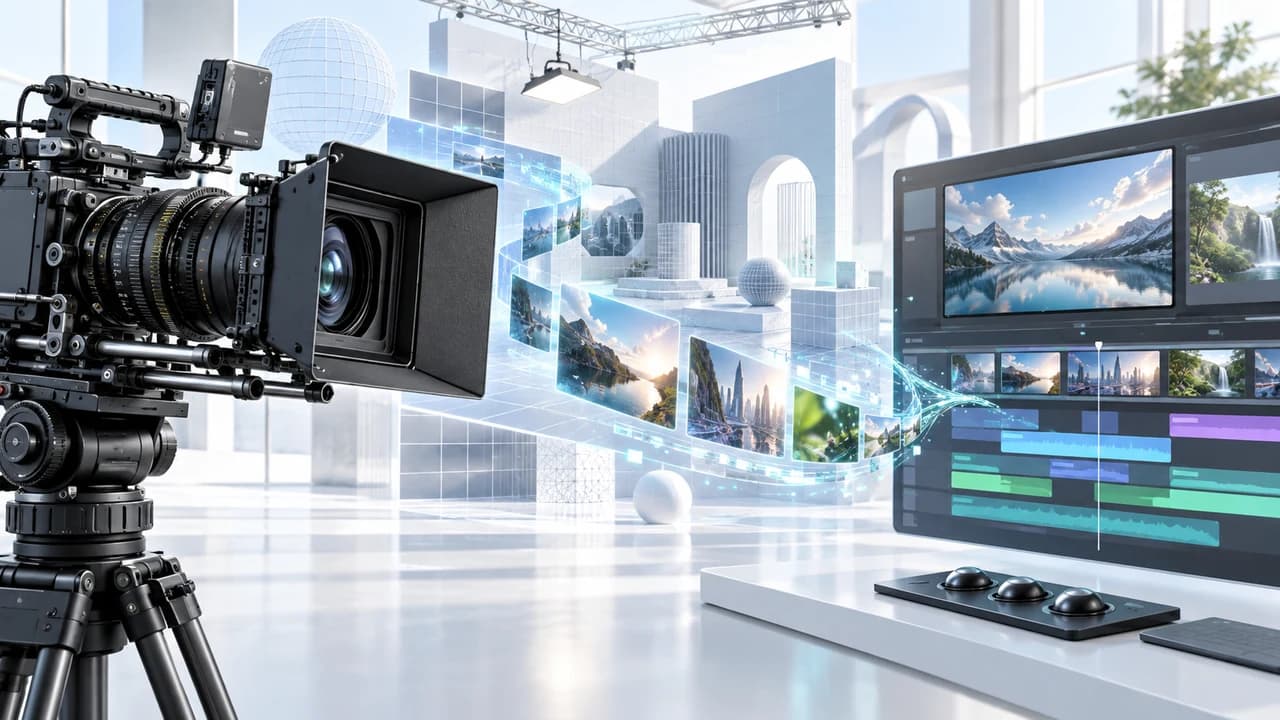
Higgsfield Blender workflow turns AI scene ideas into planned, reviewable shots for a finished edit.
What a Higgsfield Blender workflow should accomplish
Higgsfield Blender workflow planning should turn an exciting AI scene idea into a sequence that can be directed, reviewed, and edited. The September 18 AI news brief highlighted a public Higgsfield AI video titled GPT Astra 6 + Blender + Higgsfield Builds The Craziest Cinematic Scenes. The brief recorded 232,842 views and 2,956 likes for the September 12 upload, making it the only qualifying Category 3 video-and-image tutorial in that daily scan. The title verifies the tool combination and cinematic-scene angle; the brief also warns that prompts and parameters must be checked inside the source video rather than inferred from its title.
That distinction is important for a commercial team. A popular demonstration can inspire a workflow, but it does not define the needs of a product launch, corporate film, property campaign, or social series. Begin with the final edit: who is watching, what should they understand, what action should follow, and which images must be factually true? Then decide what role each stage plays. Use a 3D scene plan when spatial relationships, lens position, lighting direction, or repeatable framing need control. Use AI generation for bounded visual exploration or approved concept shots. Use conventional editing, compositing, colour, and sound to turn separate pieces into one intentional film.
This article therefore does not reproduce unverified settings from the demonstration. It translates the confirmed combination into a production framework with approval gates and fallback paths. For a campaign that needs this kind of accountable experimentation, our AI video production service in Vancouver starts with the communication problem, not a promise that one tool will finish every shot.
Design the scene before generating the spectacle
Start with a shot card for every planned scene. Write the purpose of the shot, intended duration, subject, environment, camera position, camera movement, action, light direction, beginning state, ending state, and the reason the shot belongs in the edit. Add two more fields: what must stay accurate and what may be stylized. This prevents a cinematic experiment from quietly changing a product, location, person, or business claim that viewers are expected to trust.
A rough 3D layout is useful because it makes spatial decisions visible before the team spends time on polished output. Simple geometry can establish where the subject stands, how close the camera moves, whether foreground elements create useful parallax, and where a transition can hide a reset. The layout does not need finished materials to answer those questions. A grey box scene with a camera path and a few light directions may reveal that the proposed orbit crosses through a wall, that the product becomes too small, or that a vertical crop loses the subject. Fixing those issues during planning is cheaper than rejecting a beautiful clip after generation.
Choose one delivery ratio for the first proof. A 16:9 website film and a 9:16 social hook require different negative space, subject scale, and camera travel. Mark title-safe and crop-safe areas even if the generated frame itself contains no text. If both ratios are required, plan a camera move that can support them or treat them as separate shots. For campaigns anchored by interviews, real locations, or physical products, corporate video production in Vancouver can capture the factual material first, giving the cinematic AI scenes a stable visual and editorial reference.
Build a reference package that separates facts from style
Create two reference groups instead of one mixed mood board. The first is the fact package: approved product photographs, current packaging, logo files, brand colours, talent permissions, location references, wardrobe notes, and any claims that must remain exact. The second is the style package: lighting mood, lens feeling, camera rhythm, colour direction, atmosphere, texture, and examples of the emotional response the scene should create. Label every item with its source and permitted use.
Separating the groups improves feedback. If an output has the right atmosphere but changes the package shape, the team can say that style passed while factual identity failed. If the product is accurate but the camera feels static, the motion direction can change without reopening brand approval. A single collection of unlabeled images makes those decisions harder and may introduce material that the team does not have the right to use. A reference accepted by a tool is not automatically cleared for a client campaign.
Convert the approved references into a short continuity sheet. Record subject proportions, screen direction, camera height, dominant light direction, palette, surface qualities, and any object that must appear in the same place across shots. For people, include hairstyle, wardrobe, accessories, eyeline, and movement limits. For products, include geometry, label placement, colour, dimensions, and real operation. For locations, include the real layout and features that must not be invented.
Keep this package beside every test and review the output against it, not from memory. The goal is not to eliminate creative freedom. It is to protect the facts while giving style a clearly approved area to move. This division also makes it easier to decide when a shot should return to real footage, conventional 3D, motion graphics, or a simpler edit.
Test cinematic AI scenes as short, bounded shots
Do not begin by trying to generate an entire commercial. Select one representative scene and one difficult transition. Keep the first tests short, use the intended aspect ratio, and give each version a clear identifier. Save the source references, scene plan, prompt or instruction, available settings, generation date, output, and rejection reason together. Without that record, a promising result may be impossible to reproduce when a client requests a new crop or when the team needs to rebuild one damaged frame.
Review in passes. First, watch at normal speed without pausing. Does the movement read clearly, and does the shot have a usable start and finish? Second, inspect frames for changing identity, hands, contact points, product geometry, text, reflections, shadows, repeated objects, and background structure. Third, place the test before and after its intended neighbouring shots. A clip can look cinematic alone yet fail because its screen direction reverses, lighting jumps, or visual intensity overwhelms the message. Finally, listen to it silently and then with temporary sound; music should not disguise weak motion or an awkward cut.
Use a simple status for each requirement: pass, repairable, or reject. Define repairable before testing. A small edge problem may be composited; a changing logo, false product function, invented room, or altered spokesperson identity should normally trigger a new method or real capture. Set a maximum number of attempts. If the shot does not improve after focused changes, simplify the move, use the 3D render as motion graphics, film the action, select licensed stock, or redesign the edit. A fallback is part of professional planning, not an admission that the technology failed. It protects the delivery date and keeps one experimental scene from consuming the full budget.
Composite AI, 3D, and real footage into one visual language
The edit is where the workflow succeeds or fails. Before final generation, decide what layers may need separate control: foreground subject, background, atmosphere, shadows, reflections, practical product, graphics, and transition elements. A clean plate or simple 3D pass can provide geometry and camera logic even when the final image uses generated texture. Real footage can supply the person, product, or location that must remain credible. AI can contribute a conceptual environment, visual metaphor, or transition whose imaginative nature is clear to the viewer.
Match the elements deliberately. Compare lens perspective, camera height, subject scale, shutter character, depth of field, light direction, contrast, grain, and motion blur. Colour grading cannot fix incompatible geometry, and a dramatic sound effect cannot make a false contact point believable. If two shots refuse to connect, use an intentional editorial device such as an occlusion, foreground wipe, hard cut on action, graphic match, or short cutaway rather than stretching a weak transition. The goal is not to hide every seam; it is to make every change feel motivated.
Sound should be designed after the picture logic is stable. Build dialogue, licensed music, ambience, and effects on controllable tracks. Verify that impacts, movement, and environmental cues match the final image. Add captions and required titles in the edit rather than expecting generated footage to preserve accurate typography. Then review the assembled sequence on the devices and platforms where it will appear.
A hybrid film should not feel like a demo reel interrupted by business information. It should communicate one message with the right image source for each claim. Our broader video production services combine filming, editing, sound, and delivery planning with AI only where it adds a reviewable advantage.
Budget and approve the workflow by production gates
Price the project by stages: creative brief, rights and reference review, 3D scene planning, a fixed proof batch, selected-shot generation, compositing and cleanup, edit assembly, stakeholder review, colour, sound, captions, and exports. Software access is only one line. Operator time, unsuccessful tests, storage, rendering, licensed assets, real capture, revision rounds, and deadline risk are also production costs. A bounded proof is more responsible than quoting an unlimited number of cinematic scenes.
Use approval gates before expensive work expands. Gate one approves the audience, message, claims, references, and rights. Gate two approves the shot cards and rough scene layout. Gate three selects a short motion proof. Gate four reviews the selected sequence inside the edit, with temporary sound and neighbouring footage. Gate five authorizes high-resolution cleanup and final delivery. Name one decision-maker and ask for time-coded, consolidated notes. Feedback such as the camera crosses the product label at 00:04 can guide a revision; make it more cinematic cannot.
Archive the brief, source permissions, scene files, reference packages, instructions, available settings, outputs, rejection notes, selected versions, edit project, licences, and written approvals. The September 18 daily brief confirms that the Higgsfield AI demonstration combines GPT Astra 6, Blender, and Higgsfield around cinematic scenes and had strong public engagement. It does not, by itself, prove a universal prompt, price, quality level, or commercial result. Verify the source video and current official information before adopting any specific parameter or purchasing decision.
If you have a campaign idea and want to decide what should be planned in 3D, generated, composited, or filmed, contact Steven Video Production. Send the intended audience, platform, deadline, references, and the one detail the finished video must not get wrong.
Frequently Asked Questions
What is a Higgsfield Blender workflow?
It is a production approach that combines planned 3D scene geometry with bounded AI video tests and conventional editing or compositing. The exact tool steps depend on the source demonstration and current software, so verify specific prompts and parameters before use.
Do I need Blender to make cinematic AI scenes?
Not for every shot. A 3D layout is most valuable when camera position, depth, repeatable framing, lighting direction, or compositing geometry needs control. A simple concept shot may only require a storyboard and a short test.
Can Higgsfield and Blender replace a real video shoot?
Not when viewers need factual proof of a person, product, property, event, or demonstration. Use real capture for evidence and consider AI or 3D for approved concepts, transitions, previsualization, and environments.
How much does a cinematic AI scene workflow cost?
Cost depends on planning, scene count, reference preparation, attempts, 3D work, generation, cleanup, compositing, sound, rights review, revisions, and delivery formats. Quote a fixed proof before scaling the sequence.
How should a business review an AI cinematic shot?
Review motion at normal speed, inspect identity and geometry frame by frame, compare facts against approved references, test the shot inside the edit, verify rights and sound, and keep a fallback if the shot cannot pass.
Ready to start your project?
Get in touch for a free consultation. I typically respond within a few hours.