
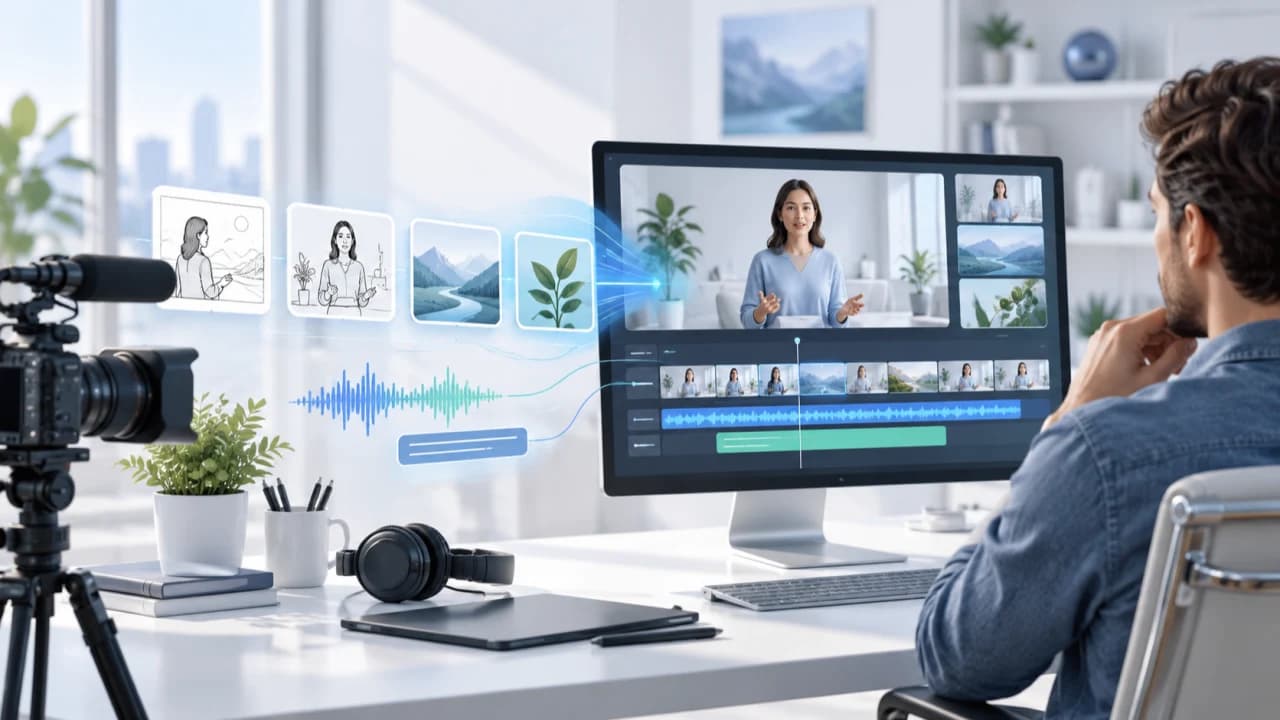
AI explainer video workflow guide for testing Frametell while keeping facts, brand and approval under control.
An AI explainer video workflow should begin with an approved explanation
An AI explainer video workflow is useful only when it makes the message easier to understand without weakening factual control. That distinction matters because an explainer is not simply a collection of attractive moving pages. It makes a promise: after watching, a customer, employee or stakeholder should understand a process, product or decision more clearly. If the underlying explanation is vague, automated storyboards and narration can make the confusion look polished rather than solve it.
Start with one written outcome. Define the audience, the question they need answered, what they should know at the end and what action they can take next. Then prepare a source pack containing current product facts, approved terminology, screenshots or diagrams, pronunciation notes, brand assets and any statements that require a subject-matter expert. Separate confirmed facts from working ideas. An AI system should never have to guess whether a price, feature, timeline or compliance statement is current.
The October 16 AI news brief highlighted Frametell, an open-source, local-first project that turns notes, documents, PDFs, slides or images into page-based explainer videos. Its official repository says a director agent drafts a storyboard for approval before producing narration, voice, visual pages and a 1080p render with subtitles and publishing notes. Those claims make it relevant to a controlled explainer test, but they do not prove that a first output will be accurate, on-brand or ready for a client. A human-directed Vancouver AI video production service should treat the software as one production component and keep approval with the people responsible for the message.
Turn the source pack into a storyboard that can be rejected early
The storyboard is the cheapest place to correct an explainer. Review it before voice generation, animation or detailed styling begins. Each page should have one job: introduce the problem, define a term, show a relationship, demonstrate a step, answer an objection or state the next action. If two pages repeat the same point, combine them. If one page carries three unrelated ideas, split it. A reviewer should be able to read the page titles and understand the logic without hearing the narration.
Frametell's published workflow places storyboard approval before drawing the pages. That is the right control point to test. Feed the system a bounded source pack and compare every proposed scene with the approved facts. Mark unsupported claims, invented examples and missing context. Ask whether the sequence reflects what the audience needs rather than merely following the order of the source document. A PDF written for internal experts often needs a different structure when it becomes a customer-facing film.
Give each page an acceptance note. Record the purpose, approved fact source, intended visual, narration limit and reviewer. A page about a service process may need a simple diagram rather than synthetic footage. A page about a physical product may require real close-ups so viewers see what actually exists. A page describing a future idea should be labelled as a concept. For corporate video production in Vancouver, this stage is also where the client names the person who can approve the sequence. One consolidated decision is more useful than five reviewers rewriting different versions after the visuals have already been built.
Use generated narration as a draft, then listen like a customer
Narration needs a separate editorial pass. A script can be grammatically correct and still sound dense, promotional or detached from the intended speaker. Read it aloud before choosing a voice. Shorten long sentences, replace internal jargon, introduce acronyms once and remove claims that are stronger than the source material. If the audience needs to remember three steps, say that clearly and keep the visual sequence aligned with the same three steps.
The Frametell repository says the application can write narration, generate a voice and create subtitles. It also lists support for several model providers and compatible endpoints. Treat those as configurable capabilities, not as a guarantee that every language, proper name or technical term will sound correct. Check names, numbers, dates, acronyms and bilingual pronunciation word by word. Synthetic voice use should also match the client's consent, disclosure and distribution requirements. If a real executive, customer or expert is central to trust, recording that person may be more effective than imitating a polished generic voice.
Listen to the complete narration without visuals. Does it answer the original question? Can a non-expert follow it? Is the pace comfortable, and do the pauses leave time to inspect a diagram? Then watch with subtitles and check timing, punctuation, line breaks and safe placement. A subtitle file is not a substitute for listening. Finally, confirm that the call to action is specific and proportionate. An educational explainer might direct viewers to a service page or consultation; it should not jump from basic information to an unsupported sales promise.
Choose page-based motion, real footage or a hybrid for each idea
Page-based motion works well for concepts that benefit from structure: timelines, comparisons, definitions, charts, workflows and cause-and-effect relationships. It is less suitable when the audience needs evidence of a real place, person, product interaction or event. A moving illustration can explain how a service works, but it should not impersonate a client result. Real footage remains stronger when credibility depends on seeing the actual team, facility, property or object.
Make the decision page by page. Use designed motion for abstract information, screen capture for software steps, approved product photography for accurate details and filming for testimony or physical demonstrations. A hybrid explainer can connect these formats with one visual system, consistent titles and a single narration. This usually produces a more credible result than forcing every idea through one generator. It also creates a practical fallback when an automated page is visually weak or factually risky.
The official Frametell description says its agent drives a component-based video engine rather than generating every frame from scratch. That may help repeatability, but a commercial test should still inspect layout, type, image rights, transitions, export quality and the time required to revise a page. Confirm how source files and API keys are handled in the actual setup; local-first is a design claim, not permission to skip a data review. Also review the AGPL-3.0 licence before modifying or offering the software as a network service. If your campaign needs interviews, product capture, drone work or designed explainers in one package, compare the options under all Vancouver video services instead of choosing a tool before defining the communication job.
Run a small pilot and measure correction effort, not demo speed
A useful pilot is one bounded video, not an entire content calendar. Choose a 45- to 90-second explanation with an approved source and a real reviewer. Limit the number of pages, set a deadline and record each correction. Measure time spent preparing the source pack, fixing the storyboard, editing narration, replacing visuals, correcting subtitles and exporting final versions. The important number is not how quickly the first draft appeared. It is how much human work was required before the film became accurate and publishable.
Review the pilot in three passes. The subject expert checks facts and omissions. The brand reviewer checks tone, terminology and visual identity. The producer checks pacing, sound, transitions, rights and technical delivery. Keep one person responsible for resolving conflicts. Record which changes can be made at the page level and which force narration, timing or downstream pages to be rebuilt. A workflow is only efficient when revisions are predictable.
Test the real delivery formats as well. Watch the 16:9 master on a laptop and phone, then create any vertical or square version the campaign actually requires. Page layouts that are readable in widescreen may fail after cropping. Check subtitle size, title safe areas, music level, voice clarity, compression and the final link or contact instruction. Keep the source document, approved storyboard, final script, voice permission, asset licences and export version together. If the pilot cannot be traced back to approved sources, faster rendering has not created a safer production process.
A practical go or no-go checklist for business explainers
Continue with the workflow when the source material is stable, the storyboard can be approved early, page-based visuals suit the subject and revisions remain easy to trace. Pause when the message depends on facts nobody owns, reviewers disagree about the purpose, the software invents connective claims, or the audience needs documentary proof that only real footage can provide. A tool can help assemble an explanation; it cannot decide what a business is prepared to stand behind publicly.
Before release, confirm six items: every claim points to a current source; the storyboard and final script were approved by named people; visuals do not imply unverified products, places or results; narration and subtitles correctly handle names and numbers; all assets and voices have appropriate permission; and the delivered files work in the intended channels. Keep a fallback for any page that fails. It may be a simpler graphic, an approved still, a screen recording or a short real shoot.
Frametell is worth watching because its public design emphasizes storyboard sign-off, visible production steps and local control. The sensible commercial question is not whether it can create a complete video from one sentence. Ask whether its approval points, revision behaviour and outputs fit your material, team and risk level. Test that with your own authorized sources before promising a result to a client. To plan a business explainer that combines clear writing, designed motion and real footage where credibility matters, contact Steven Video Production with the audience, source material, must-be-accurate claims, deadline and delivery formats.
Frequently Asked Questions
What is an AI explainer video workflow?
It is a structured process that uses AI for tasks such as storyboard drafting, narration, voice or page creation while people remain responsible for source facts, approvals, rights, editing and final delivery.
What is Frametell used for?
Its official repository describes a local-first tool that turns ideas and source materials into page-based explainer videos through storyboard approval, narration, voice, visual pages, subtitles and rendering.
Can Frametell replace a corporate video production team?
Not for every project. It may assist structured explainers, but strategy, factual review, brand decisions, rights, stakeholder approval and any real filming still require accountable human work.
How should a business test an AI explainer video tool?
Run one short pilot with approved sources, named reviewers and real delivery formats. Measure correction and approval time, not only how quickly the first draft renders.
When should an explainer use real footage instead of generated visuals?
Use real footage when the audience needs evidence of an actual person, place, product, process, testimonial or event. Designed motion is better for abstract relationships and clearly labelled concepts.
How much does an AI-assisted explainer video cost?
Cost depends on research, script and storyboard work, page count, voice, filming, design, revisions, rights review and delivery formats. A scoped quote is more reliable than a per-minute estimate.
Ready to start your project?
Get in touch for a free consultation. I typically respond within a few hours.