
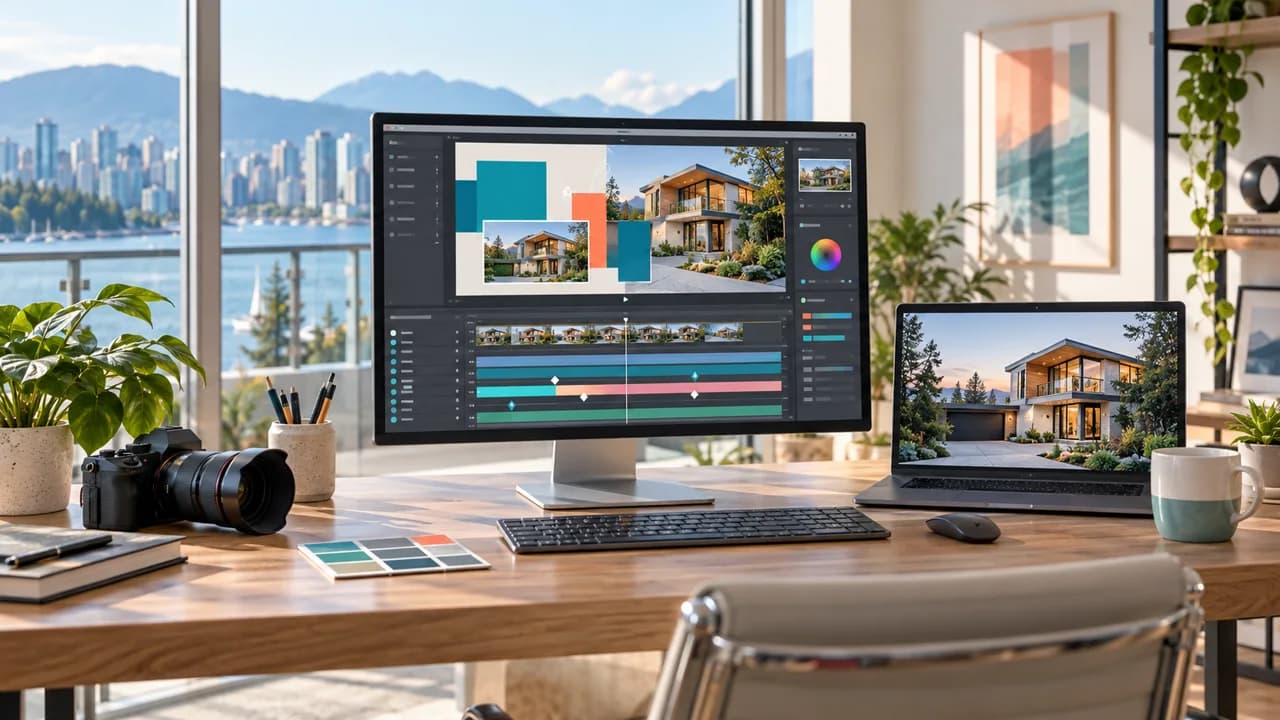
Make an editable real estate video title card for a Vancouver listing, with an address, colours and timing you can update for the next property instead of rebuilding the animation.
Build one five-second opener, then reuse it
An editable real estate video title card saves you from rebuilding the same animation for every new listing. The photo, address, neighbourhood and brand colours stay separate, so you can replace them without touching the rest of the design.
Imagine the next property arrives on Friday morning. If the old address is baked into an MP4, someone has to remake the opener. If you have an editable template, you can duplicate it, change the approved details and export a new version. That is the result we are making here: a simple five-second 16:9 opener that can be handed to an agent, assistant or editor.
For practice, use a fictional address and one exterior photo you are allowed to use. You will also need a short location line, two brand colours and a licensed font. Keep the approved address in a text note so it can be copied exactly. If the opener is part of a full listing film, our Vancouver real estate video service can help plan both together.
Pick the simplest tool that gives you the handoff you need
Canva is the easiest choice if an agent wants to change the address in a browser or on a phone. You can animate individual elements, save the design as a template and download an MP4. For many small teams, that is enough. Just check the download options shown in your own account before promising a particular resolution.
Adobe Express works in a similar way and gives you simple controls for how text and images enter, move and leave. It makes sense for a team that already stores its approved assets in Adobe. Like Canva, it gives you a shared design and an exported video, not a native After Effects project.
Choose Higgsfield AI Motion Designer with After Effects only when an editor truly needs separate text, shape and animation layers. Higgsfield says its current workflow can build those elements inside an open After Effects project. It requires connected desktop software and uses credits from the user's Higgsfield account, so check the options in that account before starting. I did not spend credits to run this exact example, so use the steps below as a starting point rather than a guarantee of what the tool will produce.
Write down the design before you animate it
Keep the brief short. For this example: 1920×1080, five seconds, one approved exterior photo, two colour blocks, one address, one location line, a comfortable reading pause and a clean fade at the end.
Name the layers so the next person does not have to guess: BACKGROUND_APPROVED, ACCENT_TEAL, ACCENT_CORAL, ADDRESS_EDIT and LOCATION_EDIT. Lock the property photo. Keep the address as live text. Do not let an AI tool invent a logo, choose an unlicensed font or “correct” a property detail.
Now picture the opener at 1.5 seconds and again at 4 seconds. At 1.5 seconds, the address should already be readable and the house should still be easy to see. At 4 seconds, the viewer should have had enough time to read everything. This catches a common problem: a title can look stylish when paused but feel rushed when it plays.
Make the first version with one clear prompt
If you are using After Effects with the Higgsfield route available in your account, open a new 1920×1080 composition, save it, attach the approved photo and use a prompt like this:
“/use-after-effects Build a five-second title opener for a fictional Vancouver property video. Keep the attached exterior photo unchanged. Animate two editable colour blocks in #0E6670 and #F28C6A during the first 1.2 seconds. Add separate editable text layers called [PROPERTY ADDRESS] and [VANCOUVER, BC]. Finish the text reveal by 1.8 seconds, hold it until 4.2 seconds, then fade the title layers out by 5 seconds. Use native After Effects text and shape layers, name every layer clearly, and do not invent a logo, font or property detail.”
Play all five seconds at normal speed. Check the address, image, colours, contrast and timing. Save a new version before making changes.
If only one thing is wrong, change only that thing. For example: “Change ACCENT_CORAL to #D96B4B. Keep the photo, text, timing, layer names and every other colour unchanged.” A small correction is easier to judge than asking the tool to rebuild the whole opener.
Fix the problems viewers will actually notice
If the house looks different from the approved photo, stop and replace it with the original image on a locked background layer. A nicer-looking house is still the wrong house. If the address is misspelled, correct the text layer by hand and compare it with the approved listing.
If the animation feels busy, simplify it. Use one direction of movement, two colours and two lines of text. Give the address more time instead of adding another effect. Shrink a screenshot on your phone; if you cannot read it quickly, make the address larger and shorten the second line.
For a vertical Reel, duplicate the composition and rearrange the photo and text for 9:16. Do not rely on an automatic centre crop. If another editor is taking over, remove unused layers, rename anything unclear and include the font and colour information they will need.
Hand over the template and a reference video
Send the editable project or shared template together with the approved photo, a five-second reference MP4, the exact address, colour values and font notes. Add one short instruction showing which fields may be changed. If the team will reuse the design often, keep a clean master with no property address in it.
Watch the exported MP4 from beginning to end. Check for a one-frame flash, cropped text, the wrong address or a colour that changed during export. Then view the actual delivery file on both a phone and a computer. An editable file is only useful when the finished video is also easy to read.
Canva or Adobe Express will cover most simple owner-edited templates. After Effects is worth the extra setup when the title needs finer timing or must fit into a larger edit. If you want the graphics to match professionally filmed footage, our Vancouver AI video production service can help with the design and finishing work. You can also contact Steven Video Production with the listing type, approved assets and where the video will be published.
Frequently Asked Questions
What makes a real estate video title card editable?
The address, location, colours, timing and image remain separate fields or named layers. You receive the source project or shared template as well as the finished MP4.
Can I make a reusable property opener in Canva?
Yes. Canva is a practical choice when an agent or assistant wants to update a template in a browser or on a phone and export a new MP4.
Does Higgsfield AI Motion Designer make editable After Effects layers?
Higgsfield's current instructions say it can create native text, shape, timing and animation elements inside an open After Effects project. Check compatibility and available credits in your account before depending on it.
Should AI fill in the property address?
No. Copy the exact approved address into the text layer and check the final video against the listing record before it is published.
Can I crop the same 16:9 opener for a vertical Reel?
Make a separate 9:16 version. Reposition the photo and text for the vertical frame, then watch the full export on a phone.
What files should I receive with an editable title card?
Ask for the editable project or template, approved assets, a reference MP4, font and colour notes, export settings and a clear list of the fields you may change.
Ready to start your project?
Get in touch for a free consultation. I typically respond within a few hours.