
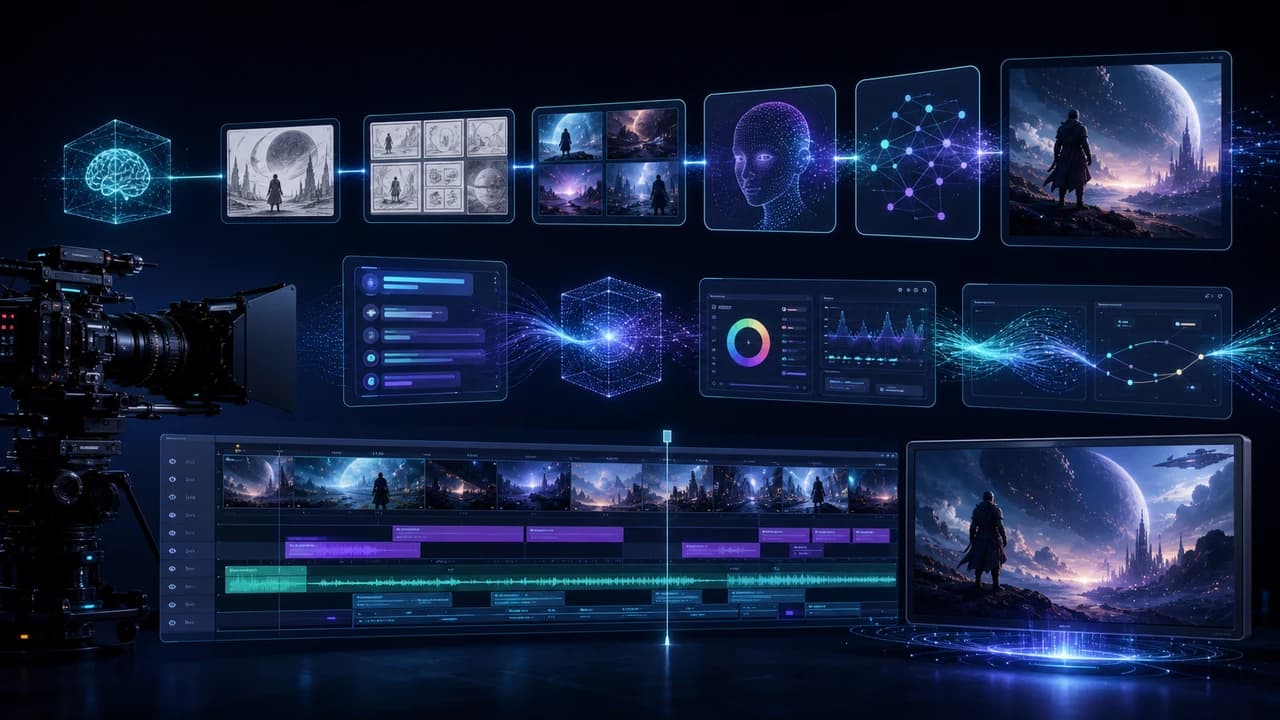
AI video production workflow 2026 guide for turning prompts, storyboards, and real footage into business videos.
Why an AI Video Production Workflow Matters in 2026
AI video production workflow 2026 is not about replacing every person on a production team. It is about deciding where AI can speed up planning, where it can create useful concept material, and where real capture still protects trust. The most practical workflow now looks like a hybrid pipeline: strategy, script, visual references, AI-generated tests, real filming, editing, captions, and platform-specific cutdowns.
The reason this matters for businesses is simple. AI tools can generate a polished-looking clip quickly, but a polished clip is not automatically a useful marketing asset. A real campaign still needs audience positioning, a clear offer, brand-safe visuals, accurate locations, clean audio, and a call to action. For local service brands in Vancouver, the difference between generic AI motion and actual credibility is especially important. Customers want to recognize the space, the people, and the problem being solved.
A good workflow uses AI before and after the shoot. Before the shoot, AI helps explore scripts, mood boards, shot lists, and storyboard options. After the shoot, it can help with transcripts, rough social captions, versioning, and repurposing. But when the video needs real people, real properties, customer emotion, or live event energy, professional production still matters. That is where corporate video production in Vancouver turns an AI-assisted idea into a believable final asset.
Step 1: Start With the Business Outcome, Not the Tool
The biggest mistake in AI video production is opening a generator before defining the job of the video. A homepage brand film, a real estate listing, an event recap, a recruitment video, and a product explainer all need different pacing and proof. The first step is to write a one-paragraph brief: who is the audience, what decision should they make, what objections must the video answer, and where will the video be watched?
Once the business outcome is clear, AI becomes more useful. Ask a language model for three script angles, not one final script. Ask for a shot list that separates must-have footage from nice-to-have visuals. Ask it to produce a 30-second version, a 60-second version, and a vertical social cutdown. This gives the production team options without pretending that the first AI draft is finished creative direction.
For a Vancouver business, the brief should also include local context. Mention the city, neighborhood, season, audience language, and service area. A Richmond real estate video has different needs from a downtown SaaS founder story or a Burnaby manufacturing facility tour. The tool cannot know those details unless you provide them. The workflow improves when the prompt includes real constraints: timeline, location access, available people, delivery formats, and whether drone footage, interviews, or event coverage are required.
Step 2: Use AI for Concepts, Storyboards, and Shot Lists
The strongest use of AI before production is controlled exploration. Instead of asking for one final video, create concept frames, storyboard beats, and shot-list options. For example, a corporate launch video might need a founder interview, workplace b-roll, customer problem visuals, product close-ups, and a final call to action. AI can help arrange these beats into a clearer structure before the shoot day.
Image and video generators are useful at this stage because they make abstract language visible. If the client says they want the video to feel premium, approachable, energetic, or cinematic, generate a few reference frames and label them in plain English. The goal is not to sell AI images as final work. The goal is to shorten the alignment process so everyone understands lighting, pacing, framing, and tone.
This is also where production reality enters the conversation. If an AI storyboard depends on aerial establishing shots, confirm whether licensed drone videography in Vancouver is realistic for the location, weather, and timeline. If the concept depends on authentic employee interaction, schedule real moments instead of trying to fake smiles in post. If the storyboard shows a busy event floor, plan camera positions and audio capture before people arrive. AI can suggest possibilities, but the producer has to turn those possibilities into a workable shoot plan.
Step 3: Decide What Must Be Filmed for Real
A practical AI video production workflow needs a clear line between synthetic material and real footage. AI is excellent for placeholders, mood exploration, animated explainers, abstract backgrounds, and early versions of social ideas. It is weak when the video must prove that something actually happened or that a specific business is trustworthy.
Film real footage whenever identity, location, sound, or emotion matters. A CEO message needs the real CEO. A property listing needs the real property. A conference recap needs real audience energy, speaker moments, applause, networking, signage, and sponsor visibility. A bilingual brand video needs natural delivery in the languages the audience actually uses. Those are not small details; they are the proof layer that makes the video persuasive.
Real capture also gives AI better material to work with later. A transcript from a real interview can become social captions, FAQ snippets, blog ideas, and short-form hooks. Real b-roll can be reorganized into multiple versions without losing authenticity. For event teams, a professional event videographer in Vancouver can capture the moments that AI would only imitate: nervous pre-show energy, genuine crowd reactions, and the small human interactions that make a recap feel alive. The hybrid workflow works because it gives AI real ingredients instead of asking it to invent everything.
Step 4: Edit, Version, and Repurpose With AI Assistance
After the shoot, AI becomes useful again. Transcription tools can create clean text from interviews. Language models can identify the strongest sound bites, rewrite captions for LinkedIn or Instagram, and suggest chapter titles. Image tools can help plan thumbnails. Video assistants can rough-sort footage or suggest patterns, although a human editor still needs to judge rhythm, emotional flow, and brand taste.
The key is to build versioning into the workflow. A single shoot can become a website hero video, a 60-second brand film, three 15-second social cutdowns, vertical reels, quote cards, and a short blog summary. AI can help create these derivatives faster, but the core edit should still be anchored by the original story and the strongest real footage. Repurposing works best when it is planned before the shoot, not invented afterward.
For service businesses, this is where the workflow turns into ROI. The same production day can support sales pages, follow-up emails, Google Business Profile updates, recruiting posts, and paid ads. If you are not sure which deliverables fit your project, review all video production services and decide which outputs matter most before production. AI can multiply assets, but the strategy decides which assets are worth multiplying.
A Simple Hybrid Workflow You Can Use This Week
Here is a simple sequence for a business video project. First, write the business brief in one paragraph. Second, ask AI for three creative angles and choose one. Third, create a shot list with must-have proof footage, optional visuals, and platform deliverables. Fourth, generate concept frames only to align style, not as final assets. Fifth, film the real people, real location, real sound, and real moments. Sixth, edit the main story. Seventh, use AI to help create captions, social versions, blog notes, and thumbnail ideas.
This workflow keeps the promise of AI without ignoring the basics of production. You get faster planning, more visual options, and better repurposing, but you still protect the credibility that comes from real footage. That is the difference between a random AI clip and a video asset that helps a customer choose your business.
The best AI video production workflow in 2026 is not fully synthetic and not fully old-school. It is a disciplined bridge between automation and professional judgment. Use AI for speed, structure, and variation. Use a camera crew for trust, emotion, clean audio, and proof. When both sides are planned together, the final video feels modern without feeling fake.
Frequently Asked Questions
What is an AI video production workflow?
It is a structured process that uses AI for planning, scripts, concept frames, storyboards, transcription, captions, and repurposing while still using real filming when trust, location, people, and sound matter.
Can AI video replace professional videography?
Not for most business uses. AI can create concepts and some synthetic visuals, but professional videography is still needed for real people, real events, accurate locations, clean audio, and brand credibility.
Which parts of video production should use AI first?
Start with the low-risk planning stages: creative angles, script drafts, shot lists, mood boards, transcripts, captions, and social cutdowns. Avoid relying on AI alone for proof-heavy footage.
How much does a hybrid AI and real video workflow cost?
Cost depends on shoot length, crew size, locations, drone needs, editing complexity, and the number of final deliverables. AI can reduce planning and repurposing time, but real production still requires a realistic filming and editing budget.
What is the best AI video workflow for a Vancouver business?
Use AI to clarify the message and visual direction, then film the real team, location, service, or event in Vancouver. After editing the main story, use AI to create platform-specific captions and shorter versions.
Ready to start your project?
Get in touch for a free consultation. I typically respond within a few hours.