
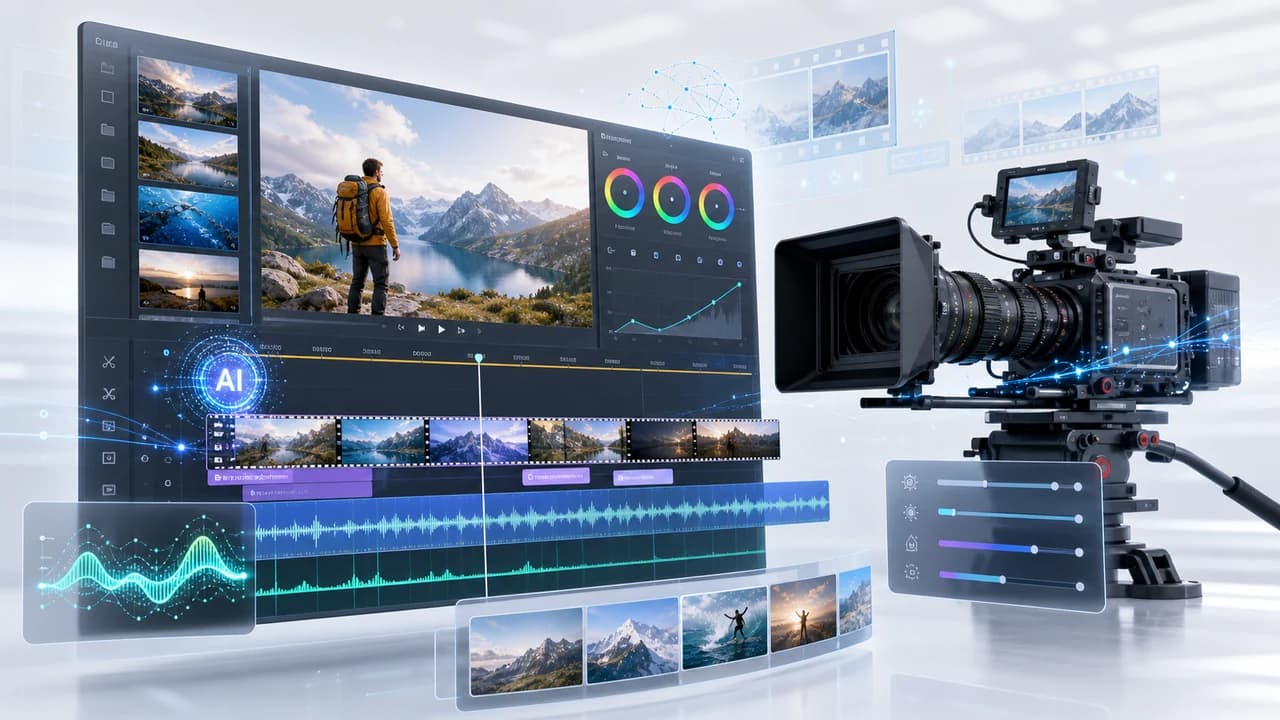
AI video editing tools are changing post-production for Vancouver videographers in 2026. Here is what works, what to avoid, and where professional production still wins.
How AI Is Changing Post-Production for Vancouver Video Businesses
Post-production has always been the long part of a video project. Footage review, rough cut, audio sync, colour grading, captions, social cutdowns, export — on a typical Vancouver corporate shoot, editing can take three to five times as long as the shoot itself. In 2026, AI editing tools are compressing that ratio for certain task categories, which matters for freelance videographers, small studios, and production businesses trying to deliver faster without adding headcount.
The tools worth tracking are not the ones promising to replace editors. They are the ones that handle the mechanical, repetitive parts of post-production — assembly from transcripts, audio noise reduction, rough colour matching, auto-captioning — so human editors can spend more time on story, pacing, and client-specific decisions. That split is where AI is genuinely useful right now for corporate video production in Vancouver, real estate listing videos, social media cutdowns, and event recaps.
For Vancouver and Richmond clients, the practical benefit is turnaround time. A shoot day that used to produce a two-week edit can increasingly deliver a polished first cut in four to six days when AI tools are woven into the workflow. That speed matters when a client wants to post a conference recap the week after the event, or needs a property video live before the weekend open house. This article covers the tools that are actually changing production timelines, how to use them, and where the human editor still needs to stay in charge.
AI Assembly and Rough Cut Tools
The first major time saving in post-production comes from rough cut assembly. Traditionally, an editor reviews all raw footage, marks selects, and manually builds a first cut sequence. For a four-hour shoot with five interview subjects, that review and assembly stage alone can take a full day. AI assembly tools like Descript and Adobe Premiere's transcript-based editing cut that by generating a searchable text transcript from the audio, then letting the editor delete words or paragraphs from the text to automatically trim the corresponding video.
This works particularly well for interview-heavy content: founder profiles, testimonials, training videos, and conference speaker clips — all common deliverables for corporate video in Vancouver. An editor can skim a 30-minute interview transcript in minutes, highlight the best answers, and have a rough cut assembled in a fraction of the time. The accuracy of AI transcription for standard English has reached a point where it saves real time even accounting for correction.
For bilingual content — English and Mandarin or Cantonese, which is common for Vancouver's diverse business community — the workflow requires more care. AI transcription of Mandarin audio is improving but still needs more correction than English. That said, even a 70% accurate transcript speeds up the rough cut review process for a human editor who knows the language, and the time saved in English assembly often more than covers the extra correction time on the Mandarin track.
Where AI assembly tools do not help: heavily scripted video, cinematic b-roll sequences, drone footage edit decisions, or projects where the story depends on visual juxtapositions rather than spoken words. For those, experienced human judgement on the timeline is still faster and better than AI suggestion.
AI Audio Cleanup and Background Noise Reduction
Audio is where AI editing has made the clearest, most reliable quality improvement for working videographers. Tools like Adobe Podcast (Enhance), Izotope RX, and DaVinci Resolve's built-in AI dialogue processor can remove background noise, reduce room reverb, clean up wind noise, and balance inconsistent volume levels in a fraction of the time it used to take manual processing.
For Vancouver shoots, this matters because the shooting environments are often acoustically imperfect. Open-plan offices in downtown Vancouver, interview setups in retail stores, event stages with crowd noise in the background, outdoor interviews in False Creek or Richmond's summer market season — these all introduce audio problems that used to require significant manual work. An AI audio pass can handle most of the heavy lifting so the editor can focus on the remaining creative decisions.
The practical workflow for a corporate shoot: import the audio track, run an AI noise reduction pass, review the result at normal listening volume before making any further adjustments. Most tools produce a useful output in seconds. The key discipline is to not over-process — heavy AI noise reduction can introduce an unnatural, metallic quality that sounds worse than mild background noise. Apply it at 60–80% strength, check against the raw track, and use automation to limit the processing to sections where noise is actually a problem.
AI audio tools do not replace a sound recordist on complex shoots. A drone videography project with outdoor wind, a multi-camera event with wireless interference, or a music-driven corporate film with live instruments still benefits from dedicated audio expertise. AI processing works on what was captured; it cannot rescue audio that was fundamentally mis-recorded.
AI Colour Matching and Caption Automation
Colour grading is one of the more time-consuming parts of a professional edit, especially on multi-camera shoots where different cameras or lenses create inconsistent exposure and white balance across the day. AI colour matching tools — available in DaVinci Resolve, Premiere Pro, and Final Cut Pro — can analyse a reference clip and automatically apply a colour match to other shots in the timeline. This does not replace a colourist's creative eye, but it compresses the technical matching work that used to take hours on long-form or multi-camera projects.
For standard Vancouver corporate and real estate shoots, AI colour matching gets the timeline to a workable base grade significantly faster. A one-day corporate shoot that used to take three hours of colour work can often reach a solid starting point in under an hour with AI matching, leaving the remaining time for creative adjustments, scene-by-scene refinement, and client-specific look development.
Caption automation is the other area where AI has become reliably useful. Tools like Captions.ai, Adobe's auto-caption in Premiere, and Kapwing generate accurate English captions from audio in minutes. For LinkedIn, Instagram, and YouTube — where a large proportion of viewers watch without sound — captioned video consistently outperforms uncaptioned video in watch time and engagement. Auto-generated captions need a human review pass for accuracy, especially for industry terms, proper nouns, and bilingual content, but the automated first draft saves 80–90% of the manual typing time.
For bilingual social content targeting Vancouver's Mandarin-speaking audience on WeChat, Red (Xiaohongshu), or YouTube, the caption workflow requires a human Mandarin reviewer regardless of AI assistance. The AI draft is a useful starting point, but client-facing Chinese text needs copy verification before publishing.
Where AI Editing Ends and Professional Production Begins
AI editing tools are most useful when they compress repetitive technical tasks. They are least useful when the value of the video depends on creative judgement, brand accuracy, or trust. Knowing which category a deliverable falls into is the most important production decision a Vancouver videographer makes when incorporating AI tools.
A property listing video for a Richmond real estate agent needs accurate colour representation of the interiors, correct branding in the lower thirds, verified MLS-compatible specifications, and a pacing that matches the property's market position. AI can help assemble the rough cut and colour match the clips, but the editorial decisions — which rooms to prioritise, how long to hold on a kitchen shot, whether the music tempo matches the listing price point — require human creative judgment and accountability.
For event videography, AI assembly tools are especially useful for reviewing long multi-hour recordings, but the highlight reel decisions depend on understanding what mattered to the client: the keynote moment, the award winner's reaction, the audience applause timing. A human editor who was briefed on the event or attended it produces a better result than AI working from footage alone.
The bottom line for Vancouver and Greater Vancouver video businesses: adopt AI tools for the mechanical stages, keep human oversight on the creative and brand-critical decisions, and invest the time saved into better pre-production planning and client communication. A faster, better-organised post-production workflow makes room for more shoots, better deliverables, and stronger client relationships — and that is what grows a production business. If you are planning a corporate, event, real estate, or social media video project, view our portfolio or contact us to discuss what a modern AI-assisted production workflow can deliver for your Vancouver project.
Frequently Asked Questions
What AI video editing tools are most useful for Vancouver videographers in 2026?
For assembly and transcript editing: Descript or Adobe Premiere's transcript-based editing. For audio cleanup: Adobe Podcast Enhance, Izotope RX, or DaVinci Resolve's AI dialogue processor. For colour matching: DaVinci Resolve or Final Cut Pro AI match. For captions: Captions.ai or Premiere auto-caption. Each handles a specific technical stage rather than replacing the overall edit.
Can AI video editing tools replace a professional editor?
No. AI tools compress repetitive technical tasks — rough cut assembly, noise reduction, colour matching, and caption generation. Creative decisions about story, pacing, brand accuracy, and what a client's audience actually needs still require a human editor with context. AI-only edits are noticeably generic for client-facing deliverables.
How much time do AI editing tools save on a typical project?
For interview-heavy corporate shoots, AI transcript editing can save 30–50% of the assembly time. Audio cleanup passes that used to take hours can run in minutes. Caption generation saves 80–90% of manual typing time. The savings compound across a project but depend heavily on how well-organised the raw footage is.
Is AI audio cleanup good enough for client deliverables?
For most Vancouver corporate, testimonial, and event projects, yes — with a human review pass. Apply AI audio processing at moderate strength (60–80%), check the result against the raw track, and listen on speakers as well as headphones. Do not rely on AI to rescue fundamentally mis-recorded audio; prevention at the shoot is still the most important step.
Do AI tools work for bilingual Mandarin and English video content?
Transcript-based editing works well for English. Mandarin AI transcription is improving but needs more correction. Caption auto-generation in Mandarin requires a human reviewer before publishing. Bilingual workflows benefit from AI at the English stages while keeping human review on all Mandarin-facing text and copy.
Ready to start your project?
Get in touch for a free consultation. I typically respond within a few hours.